SNB Production WorkflowGuideInspection Forms
Inspection Forms
What an inspector is asked on site — defined once, per project type.
A form template is the list of questions an inspector answers on site. Each one belongs to a project type, so surveying an LED pylon asks different things from surveying a vehicle wrap.
1Open the list
Go to Inspection Forms.
The columns are Name, Project type, Fields, Active and Updated.
Fields counts the questions on the template. Project type is what decides which template an inspector is given when they open a visit.

2Add one
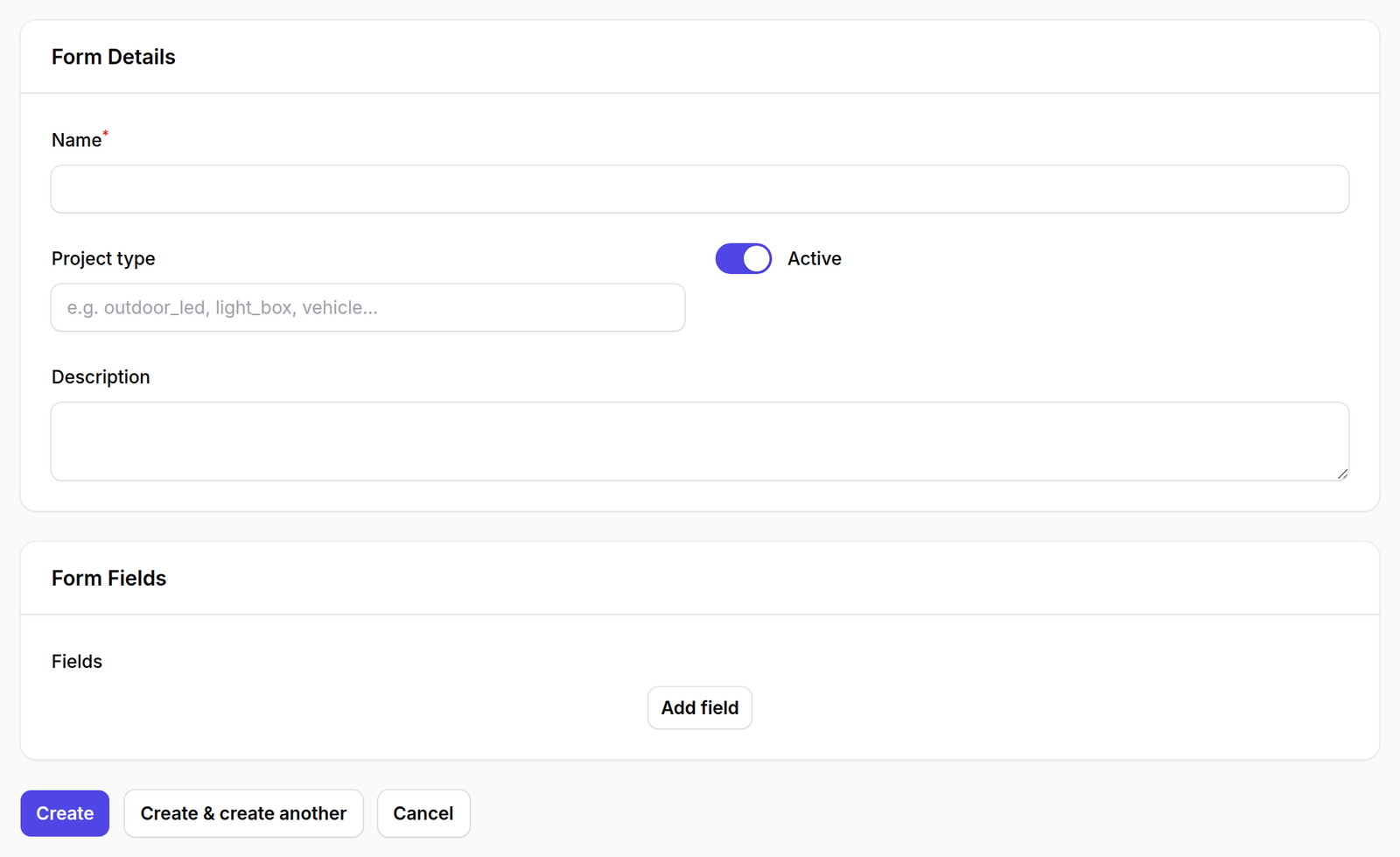
Press New form template, then define the fields.
What happens next
Changing a template does not change surveys already completed.
A visit records the answers it was given at the time. Adding a question today does not leave a gap in last month’s reports — and removing one does not erase the answer somebody already wrote.
Switch a template inactive rather than deleting it once visits have used it.