SNB Production WorkflowGuideInventory Dashboard
Inventory Dashboard
The whole store on one screen: what is held, what it is worth, and what is waiting.
The dashboard answers “where do things stand” without opening a single document. It is read-only — nothing on it changes anything.
1Open it
Go to Inventory → Inventory Dashboard.
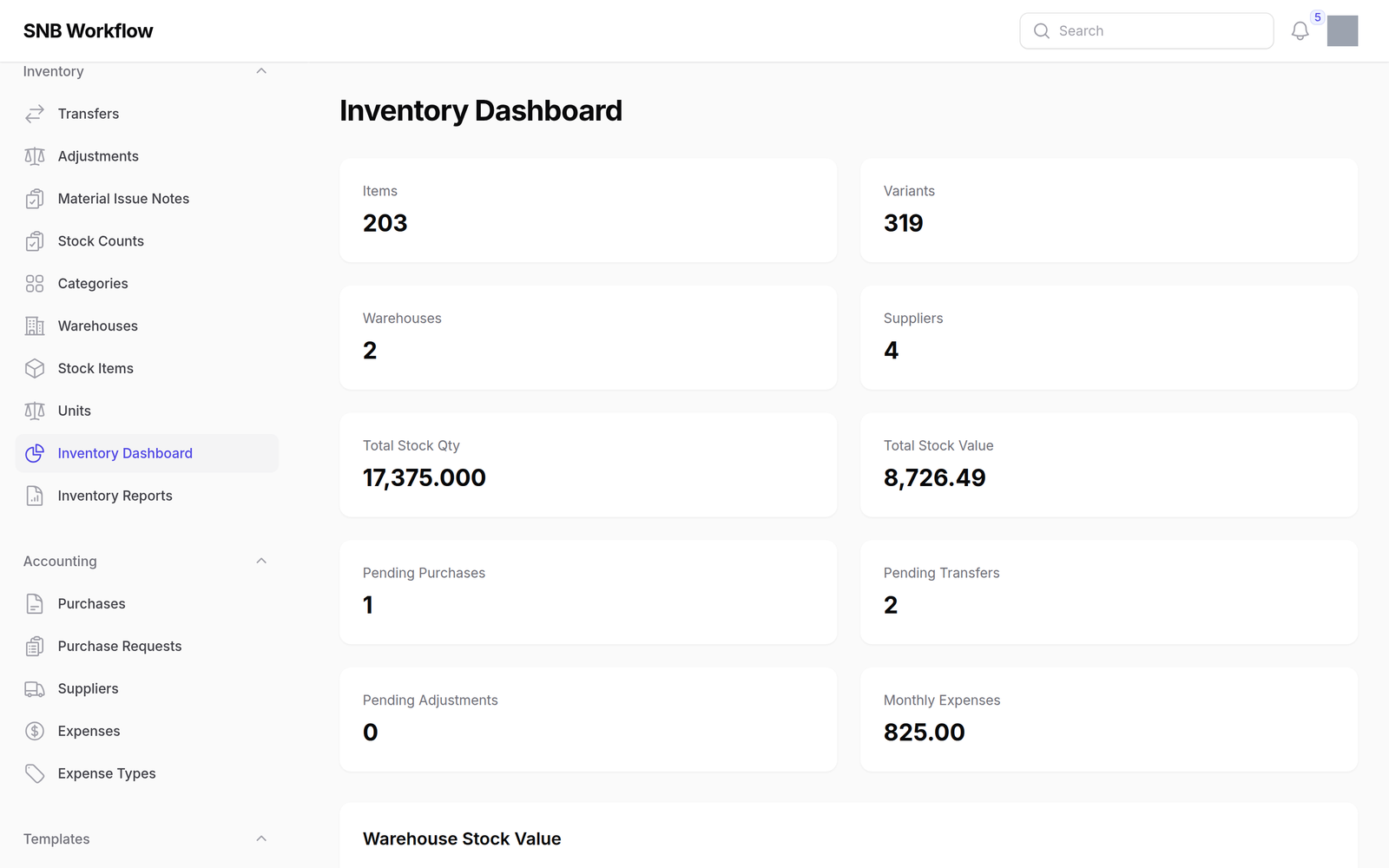
The tiles across the top count what exists: Items, Variants, Warehouses, Suppliers, Total Stock Qty and Total Stock Value.
The next three are the ones to look at daily, because each is a piece of work somebody has left unfinished:
- Pending Purchases
- Pending Transfers
- Pending Adjustments
A pending document is a draft. It has changed no stock, and until somebody posts it the shelf and the screen disagree.
Warehouse Stock Value breaks the total down by place, and Monthly Purchases shows the last twelve months.
What happens next
A warehouse showing a value of 0.00 is not necessarily empty — it may hold stock that was never costed.
Value is quantity times unit cost, so material brought in without a cost counts toward quantity and contributes nothing to value. If a warehouse looks implausibly cheap, that is the first thing to check.