SNB Production WorkflowGuideCategories
Categories
Grouping the catalogue, so a report can ask about acrylic rather than about forty items.
A category groups stock items. It has no effect on quantities or value — it exists so that a person, or a report, can talk about a kind of material instead of listing every item of it.
1Open the list
Go to Inventory → Categories.
The columns are Name, Parent, Items and Active.
Parent is what makes this a tree rather than a list. Almatine sits under Aluminum & Metal, so anything filed under Almatine is also, for reporting purposes, aluminium.
Items counts how many stock items are filed directly under that category — not the total including its children.

2Add one
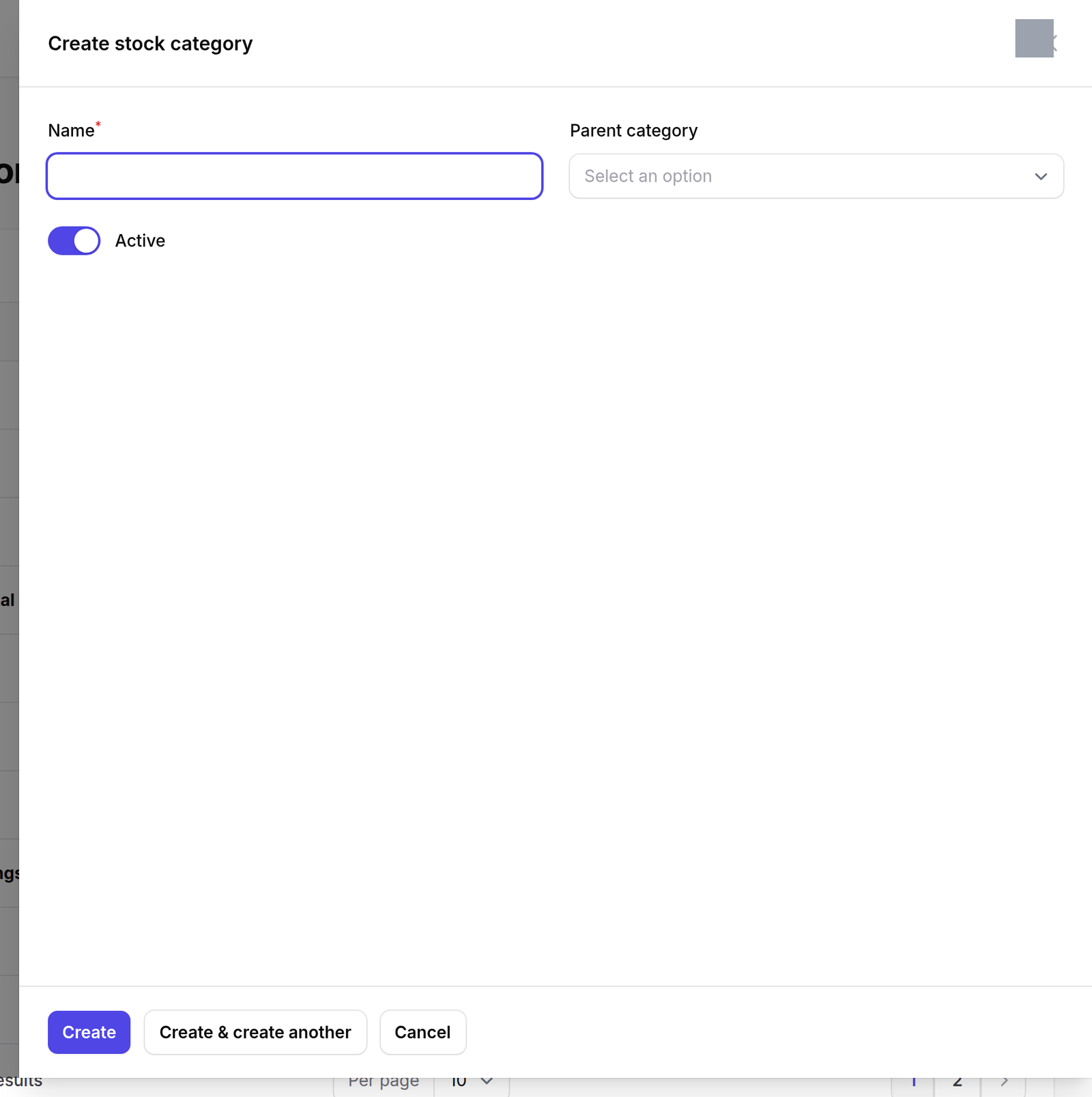
Press New stock category. Give it a name, and a parent if it belongs under one.
What happens next
The tree matters most on Inventory → Reports, which says it out loud: “a parent category includes everything in the categories beneath it.”
So filing a category under the right parent is not tidiness. It is the difference between a report that finds your aluminium and one that misses thirty-five items of it.