SNB Production WorkflowGuideThe Dispatch Board
The Dispatch Board
Sending released work to the department that does it — one screen, one job.
This is dispatch to a department, not delivery to a customer.
The application uses the word for both. This screen sends a step of a job to the workshop that performs it. Sending a finished sign to a customer is Delivery, and is a different part of the system entirely.
Find it at /operations → Dispatch Board.
1The board
Two sections.
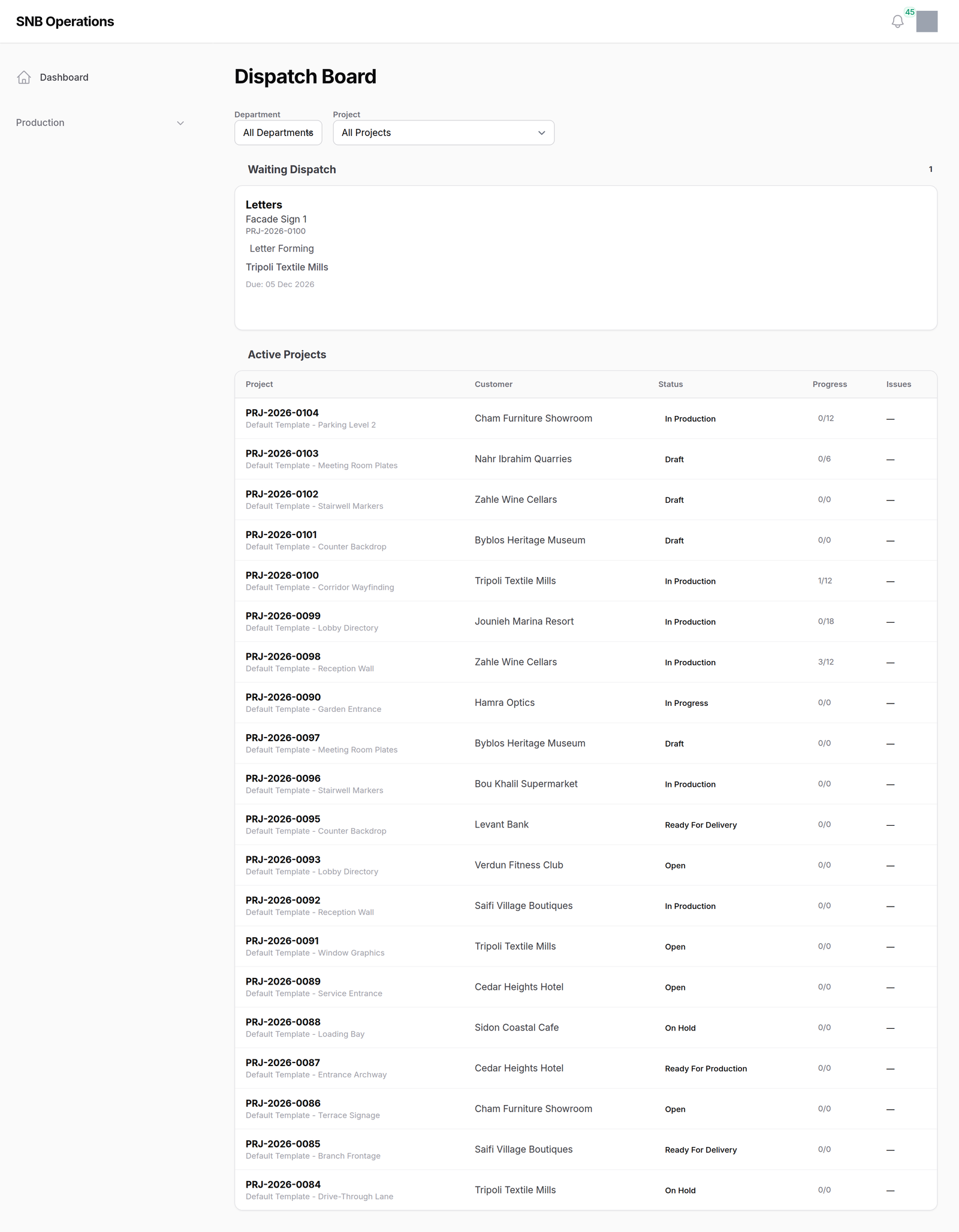
Waiting Dispatch — every step that has been released and is waiting for somebody to send it. Each card names the step, the sign, the job, the department it is going to, the customer and the date it is due.
Active Projects — the last twenty jobs that moved, with how many steps are done out of how many, and how many have problems against them.
2The two filters
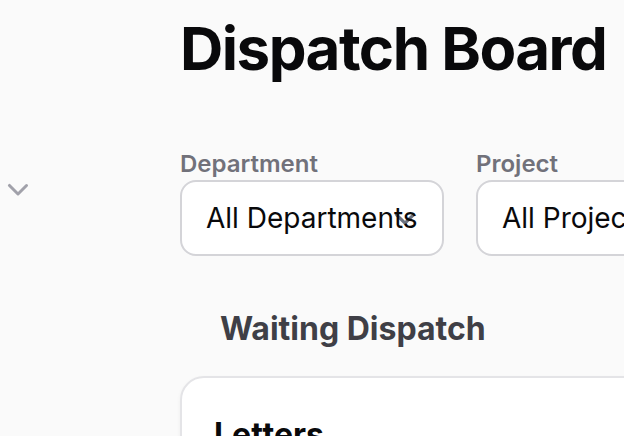
By department and by job. Narrowing by department also decides who you can assign to — the people list is the people in that department.
3Sending one
Dispatch on a card opens a panel with two fields, both optional: who it is for, and a note. Confirming moves the step to ready, which is the moment it appears on that department’s kiosk.
Why any of this exists.
Most steps go to their department on their own the moment the one before them finishes. A step only waits here if its template says a manager dispatches this one — and that is a deliberate choice made when the flow was drawn, usually because somebody has to decide who does it, or whether it is worth starting today.
So an empty board is the normal state. It is not a queue that fills up because people are behind.
Nothing on the department’s screen shows a waiting step.
Until it is dispatched, the kiosk does not draw it at all. That is why the Monitor’s summaries leave it out, and why this board exists rather than a column on a wall screen.
What happens next
The step becomes ready and appears on the department’s kiosk, where somebody can start it. A person named on dispatch is recorded against the step; the Factory Manager is notified.
The same thing can be done one row at a time from Acting on a step, and for a whole department at once from The floor board. This screen is the one that shows you everything waiting, everywhere, at once.
If it goes wrong
The board is empty. Usually correct — see the box above. Check Waiting Dispatch on the dashboard for a second opinion.
A step will not dispatch. A step may only become ready from pending, waiting dispatch, blocked, on hold or returned. If it is already running, it has been dispatched.
The person you want is not in the assign list. That list is the people in the step’s department. Assigning is optional — dispatch it unassigned and let the workshop pick it up.