SNB Production WorkflowGuideCustomers
Customers
Who the work is for, and how many jobs they have had.
A customer is a company or person the work is for. Requests, quotations, projects and invoices all point back here.
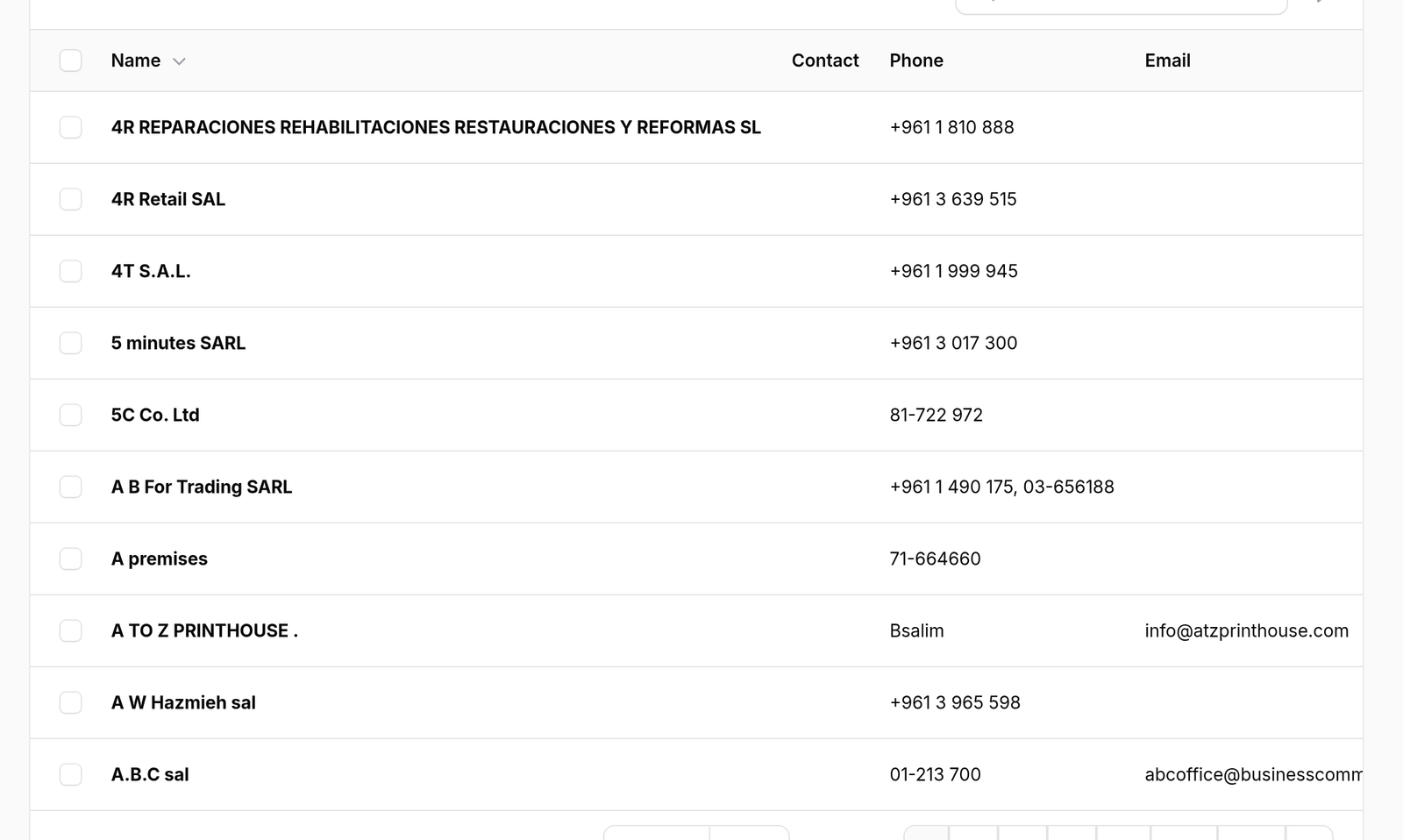
1Open the list
Go to Customers.
The columns are Name, Contact, Phone, Email, Projects, Active and Since.
Projects counts the jobs they have had, which is the quickest way to tell a long-standing customer from a one-off enquiry.
2Add one
Press New customer. The form is a single Customer Details section.
The address is worth filling in even when it feels unnecessary.
A project resolves its site address from its site visits and falls back to the customer’s address — and the job ticket prints that as the destination a driver reads. A customer with no address produces a ticket saying NO SITE ADDRESS ON RECORD — DO NOT DISPATCH.

What happens next
The row menu offers View, Edit and Delete.
Prefer switching a customer inactive over deleting one. Their history — every request, quotation, project and invoice — points at this record.