SNB Production WorkflowGuideRaising a Request from Site
Raising a Request from Site
The commercial door on the phone: a customer asks for something while you are standing there.
This is not a survey. It is the same project request Sales raises from the office, available on the phone — because the moment a customer asks for something is usually the moment somebody from SNB is in front of them.
The screen says so at the top: “What the customer asked for, and who goes to look at it.”
It needs the permission to create requests. Anyone signed in can open the screen; those without it are told so in a sentence rather than shown a 403.
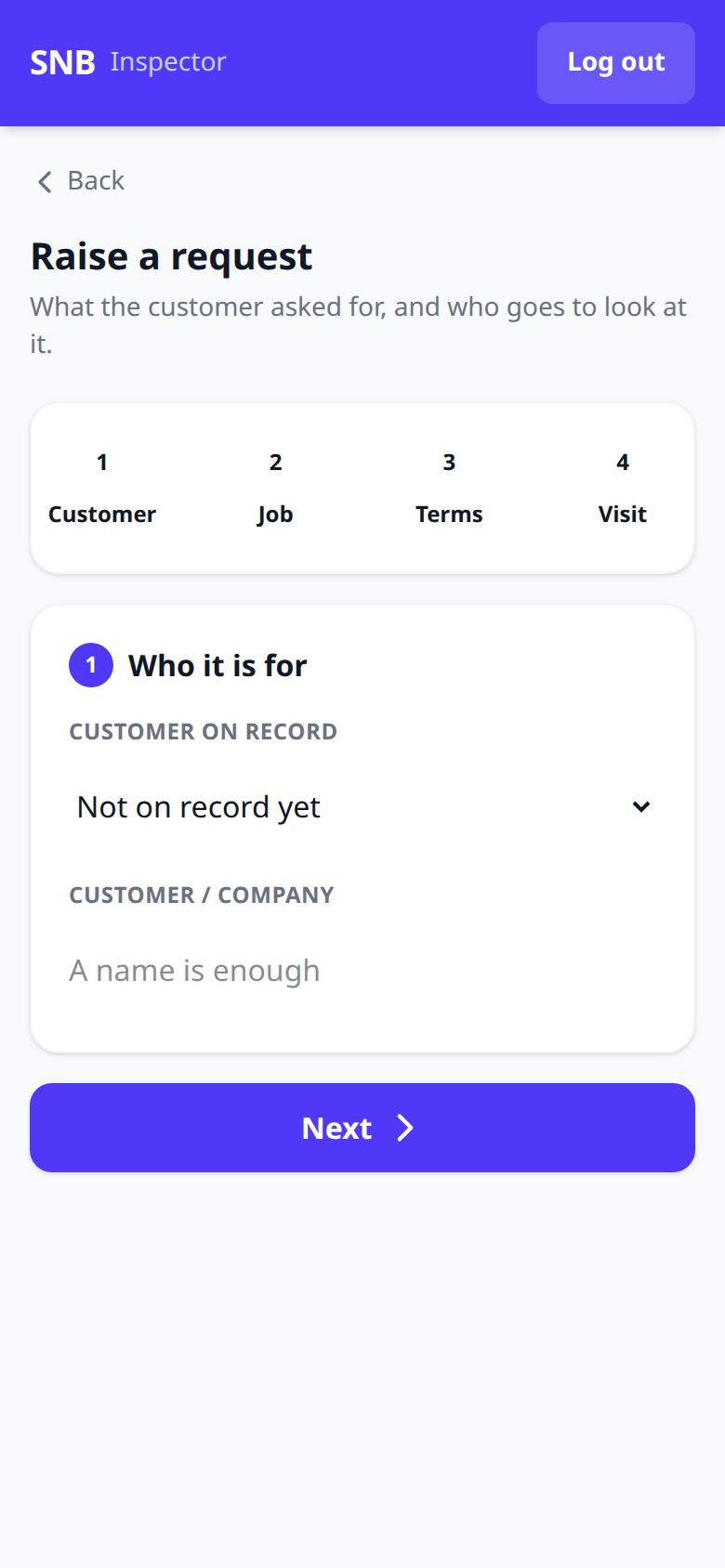
1Step 1 — Who it is for
Four steps across the top: Customer, Job, Terms, Visit.
The first asks for a customer on record, or Not on record yet for somebody who has never been dealt with before.
2Step 2 — What they want
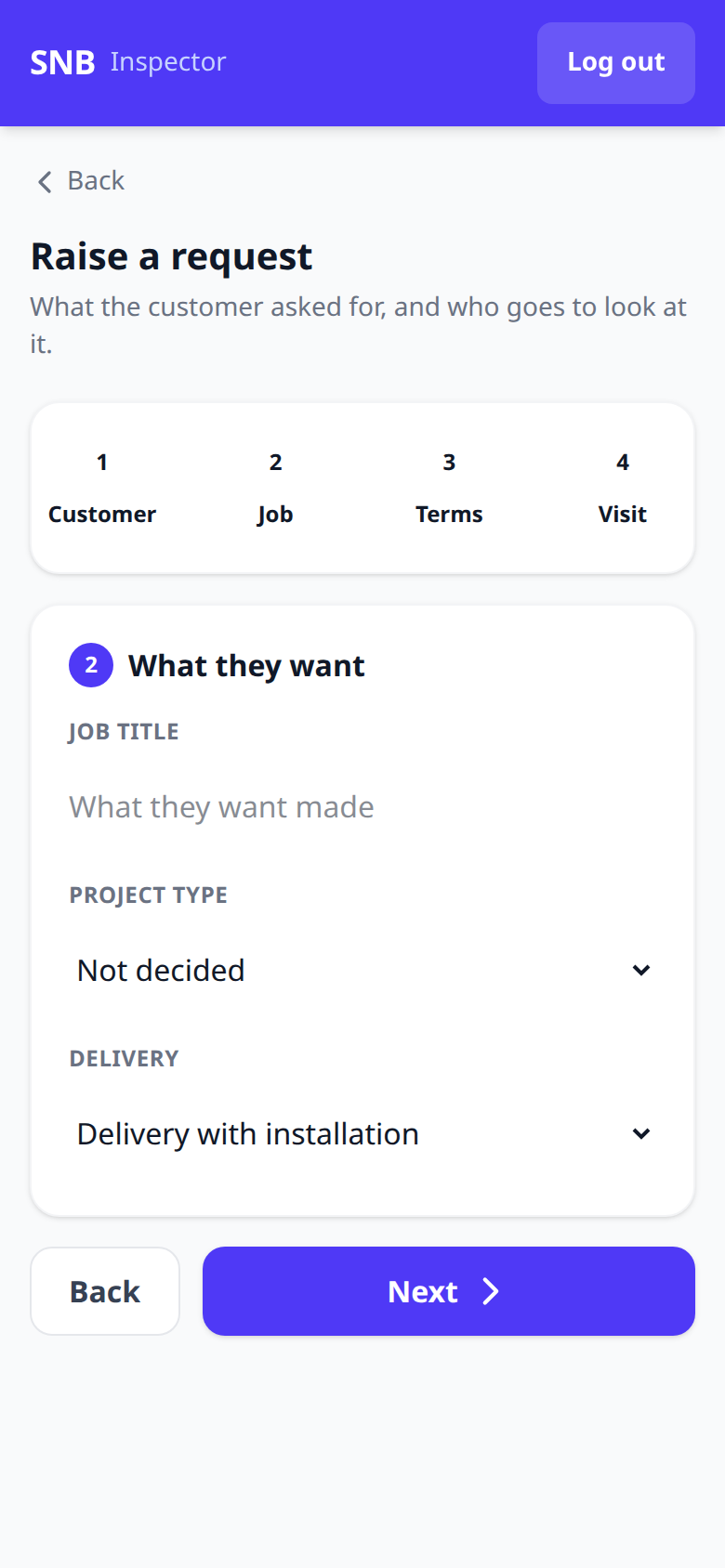
Job title and Project type — the type offering Not decided as a real choice alongside Fiberglass Sign, Indoor Acrylic Sign and the rest.
“Not decided” is there because on site it often is not.
Forcing a type would mean guessing, and a guess recorded in this field is worse than a blank: it routes the job down a production chain nobody chose.
3Step 3 — Money & dates
Budget, Wanted by and Notes. All optional.

4Step 4 — The site visit
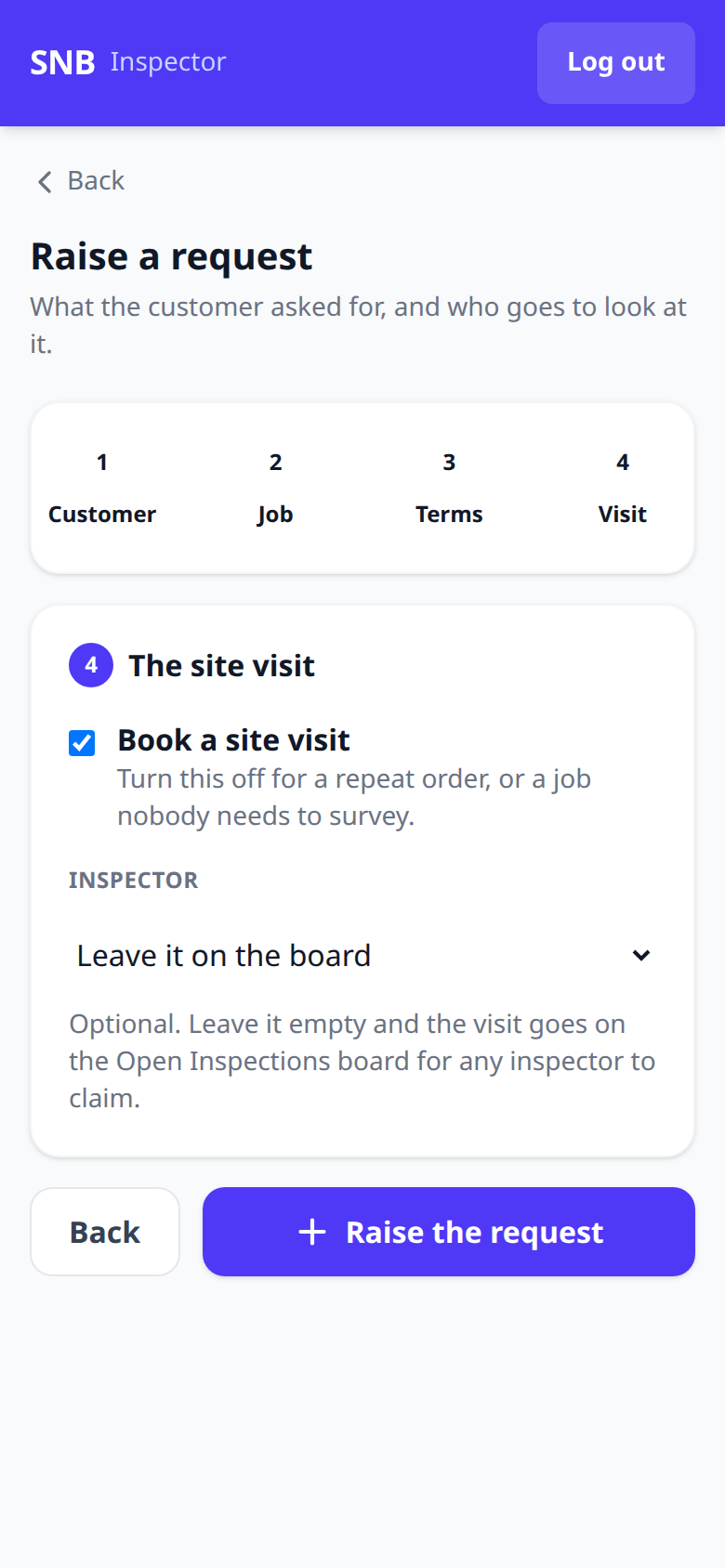
Book a site visit, on by default — “Turn this off for a repeat order, or a job nobody needs to survey.”
Leaving the inspector empty puts the visit on the Open Inspections board for anybody to claim, exactly as it does from the office.
What happens next
The request appears on the office’s Project Requests list, and any visit it booked appears for Inspection.
Unlike the unplanned-visit wizard, the step buttons here do jump ahead — you can tap “3 Terms” from step 1 and come back.