SNB Production WorkflowGuideClaiming a Visit
Claiming a Visit
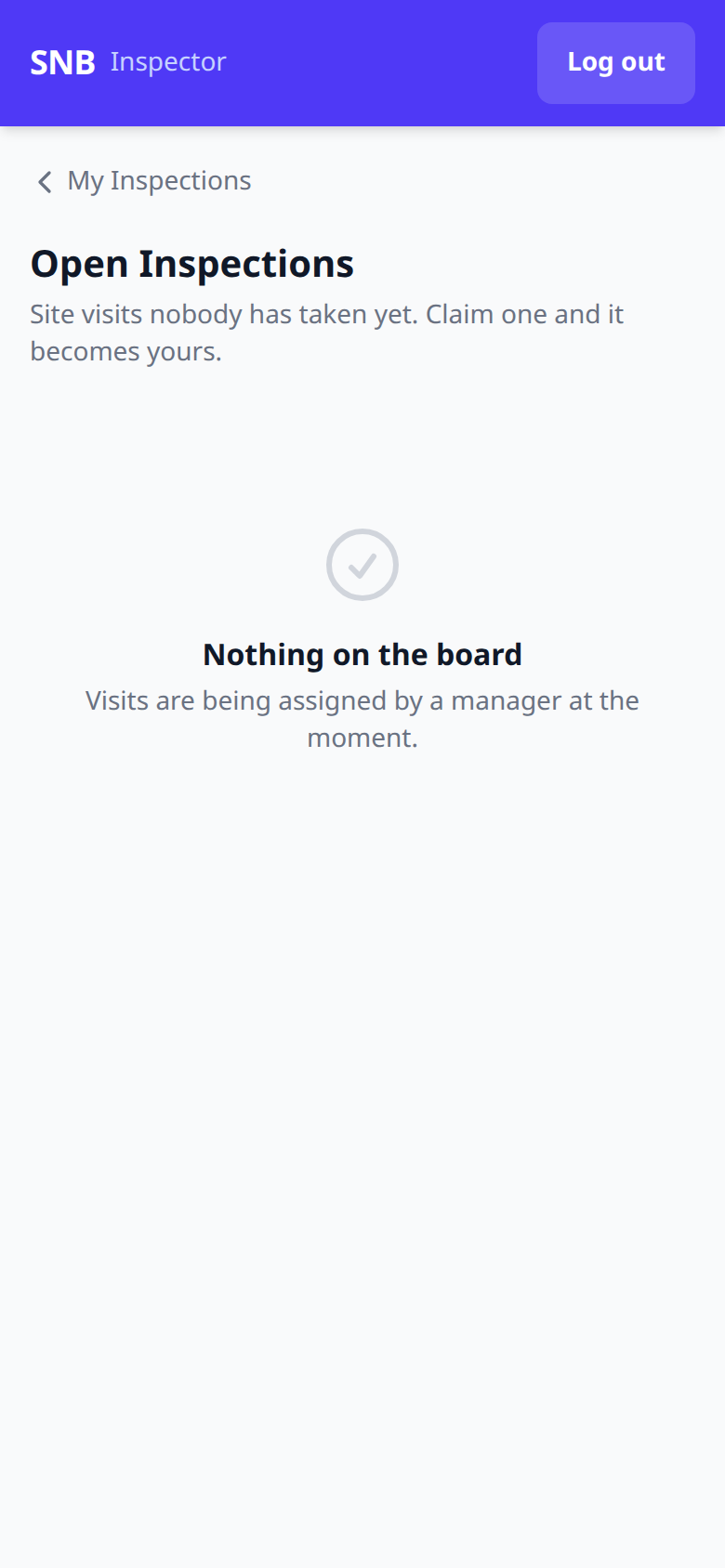
The shared board on the phone — visits nobody has taken, and how one becomes yours.
When Sales books a site visit without naming an inspector, it goes on a shared board instead of into anybody’s list.
Reach it at /inspector/open, or from My Inspections.
1The board
The screen says what it is for in its own words:
Site visits nobody has taken yet. Claim one and it becomes yours.
An empty board reads Nothing on the board, which means every booked visit already has somebody’s name on it.
What happens next
Claiming a visit moves it off this board and into your My Inspections list. The office sees your name appear in the Inspector column at the same moment.
Claiming is deliberate rather than automatic.
A visit assigned by a rota can sit for a week with nobody noticing it was the wrong person. A visit somebody chose is a visit somebody has decided to do.