SNB Production WorkflowGuideUnits
Units
How each item is measured — and the reason a quantity means anything at all.
A unit is what a quantity is counted in: kilograms, metres, litres, pieces. Every stock item has one, and it follows the item everywhere — onto a transfer line, a purchase, an issue note.
1Open the list
Go to Inventory → Units.
The columns are Name, Abbreviation, Items and Active.
The Abbreviation is what appears on documents, so it should be the short
form people already use — kg, m, L. Items counts how many stock items
are measured in that unit.

2Add one
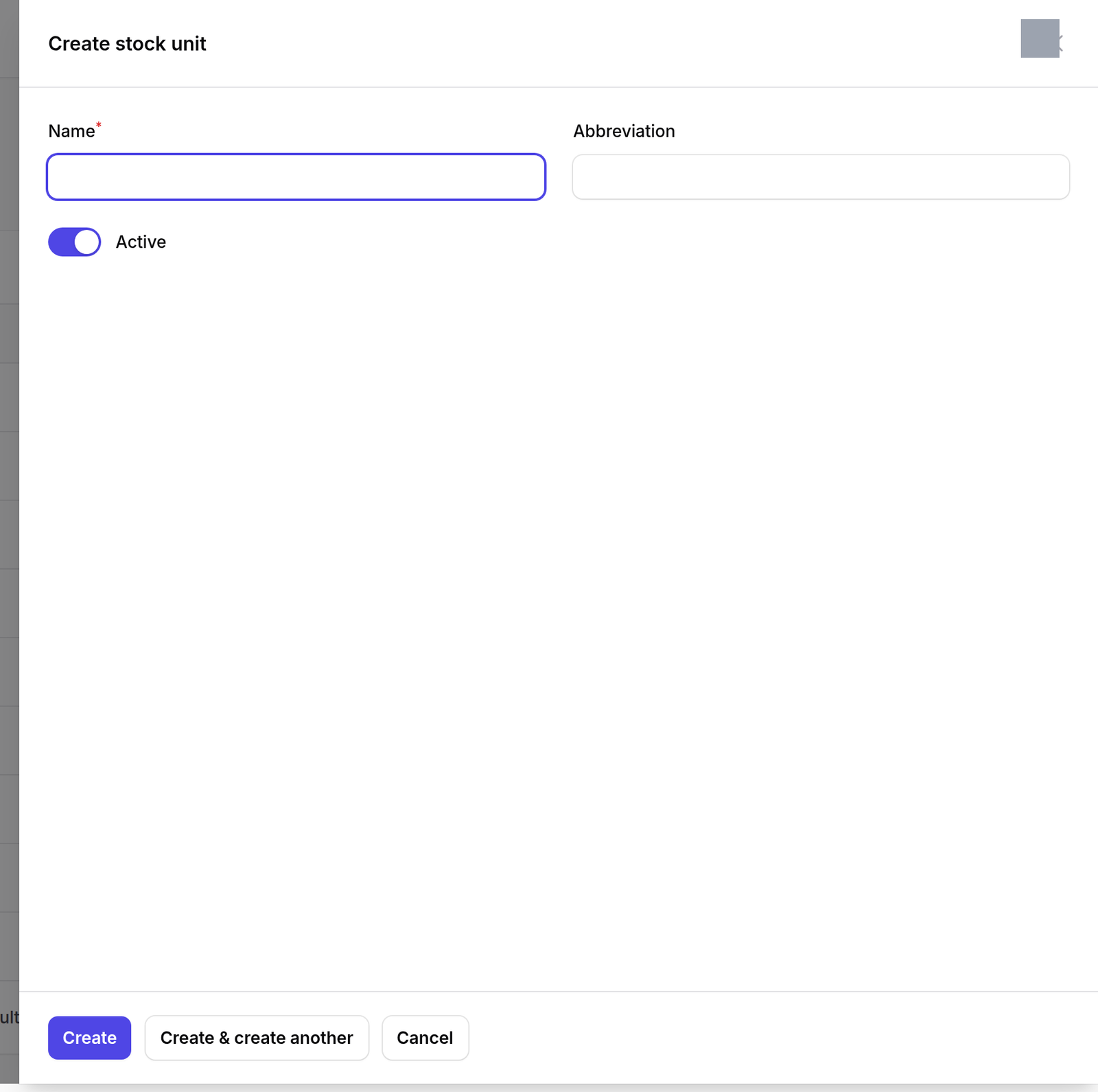
Press New stock unit, and give it a name and an abbreviation.
What happens next
Changing a unit does not convert anything.
Renaming Kilogram to Gram does not divide any quantity by a thousand — it relabels every quantity already recorded, and every one of them becomes wrong by a factor of a thousand.
If a material needs to be counted differently, add a new unit and change the item over.