SNB Production WorkflowGuideBilling A Job
Billing A Job
Turning what was quoted into an invoice, without leaving the job.
Bill this job is in the project’s Actions menu, for anybody who may create invoices. It does not finish anything — it opens a draft.
1Raising it
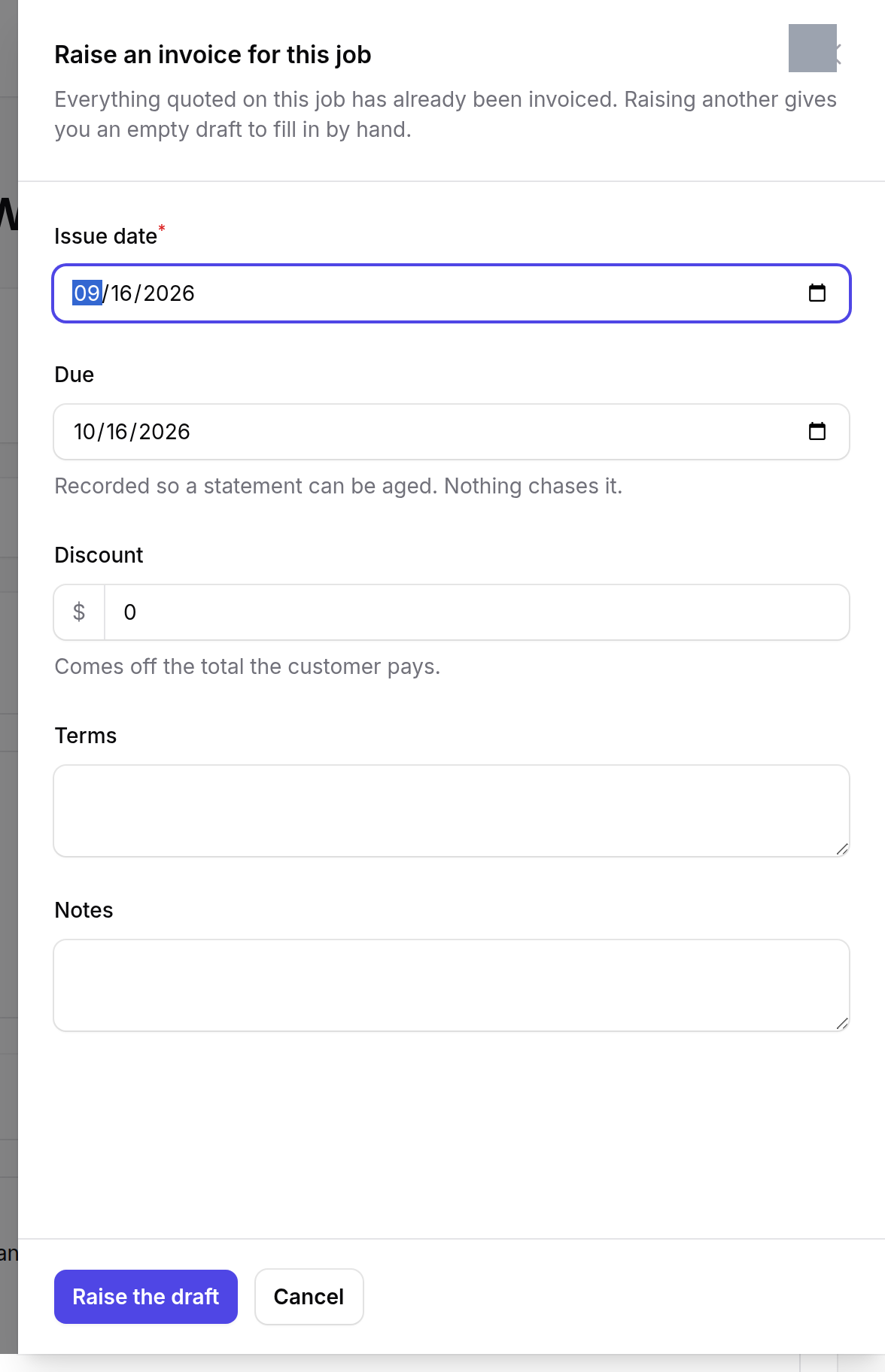
The panel is the invoice’s header: the customer, the dates, the terms. The description above it tells you where the lines will come from.
The lines are what was quoted, minus what has already been invoiced. You do not choose them here.
It is offered even when there is nothing left to bill, and then it says so and gives you an empty draft. That is deliberate: a job can need an invoice for something that was never on the quotation, and refusing to open one would force you out to the invoice screen to do the same thing with more steps.
What happens next
You are taken to the draft invoice, where the lines can be edited, added to or removed. A draft changes nothing: no money is owed, no ledger moves, nothing is sent.
The invoice becomes real when it is posted, which is done on the invoice itself — see Invoices.
Billing a job does not mean the job is finished, and finishing a job does not raise an invoice. The two are deliberately separate: jobs are part-billed, billed in advance, and occasionally billed twice for different things.
If it goes wrong
The draft comes up empty. Everything quoted has already been invoiced. Add the lines by hand, or check the job’s earlier invoices first.
The action is not in the menu. Raising invoices is its own permission, separate from being able to see the job.
The value looks wrong. The lines come from the quotation, not from what the factory actually built. Extra work added through an amendment carries its own value and does not rewrite the quotation.