SNB Production WorkflowGuideWhere the Money Went
Where the Money Went
Six figures in the order money moves, and the panel that answers whether the job may start.
The Budget tab carries its own permission. Nine of the eleven roles may read a project; far fewer should read what it cost.
1The six cards
They read left to right as a sequence, and the order is the order the money moves:
| Card | What it is |
|---|---|
| Quoted | what was asked of the customer |
| BOQ total | what it costs us — summed from the BOQ tab, not stored |
| Deposit asked for | what was asked up front |
| Invoiced | what has been billed |
| Received | what has arrived |
| Still owed | what is outstanding |
“None asked for” and “a deposit of zero” are the same number and different facts, so the card says which.
The deposit is the salesperson’s judgement, copied off the accepted quotation at the moment the project was created and never recomputed. Recomputing it would mean a figure that changed after the decision was taken, which is not what anybody agreed to.
A forgiven deposit does not look like an unpaid one.
Where a deposit has been waived, a panel above the figures says so in a sentence naming who decided and why — the reason above the consequence, rather than leaving a reader to meet “None asked for” and go looking.

2Job Order Approval
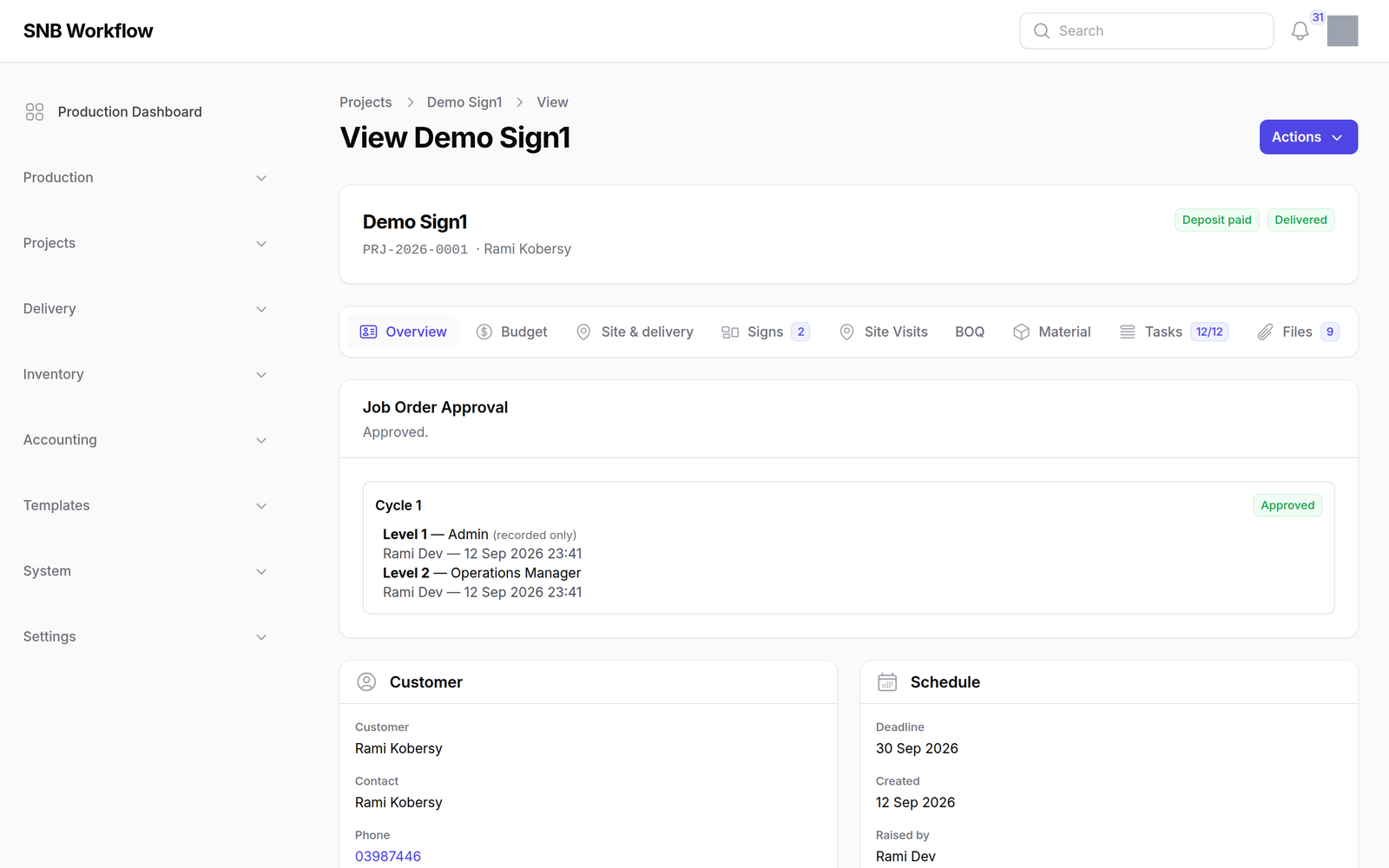
First on the Overview panel, because “can this job start” is the question people open a project to ask.
It says whose turn it is, who has signed, and what is holding the job up.
This panel reports. It does not gate.
The signature it is waiting for is what stops work reaching a kiosk — see Production → Handing it over — and this is where you find out whose it is.
It carries its own permission. Somebody who may read a project is not automatically somebody who should see who signed for it and who is holding it up — a designer opens the project perfectly well and does not see this.
What happens next
Billing is done from Sales → Invoices, and the project’s own Bill this job action. What is shown here is the consequence, not the control.
If it goes wrong
| What you see | What it means |
|---|---|
| No Budget tab | Your role does not hold the permission for it. |
| BOQ total is 0.00 and the job clearly cost something | Nothing has been entered on the BOQ tab. It is summed, not stored. |
| Still owed disagrees with the customer’s statement | A credit note may have been raised. Check Sales → Credit Notes. |
| The approval panel is missing | Your role does not hold approvals.view. |
| Quoted is empty on a live job | The job was started without a quotation, under a waiver. The Timeline says who allowed it and why. |