SNB Production WorkflowGuideOpen Inspections
Open Inspections
Visits nobody has taken yet — the queue, seen from the office.
When a request books a site visit without naming an inspector, the visit lands here: on a shared board that any inspector can claim.
1Open the board
Go to Open Inspections.
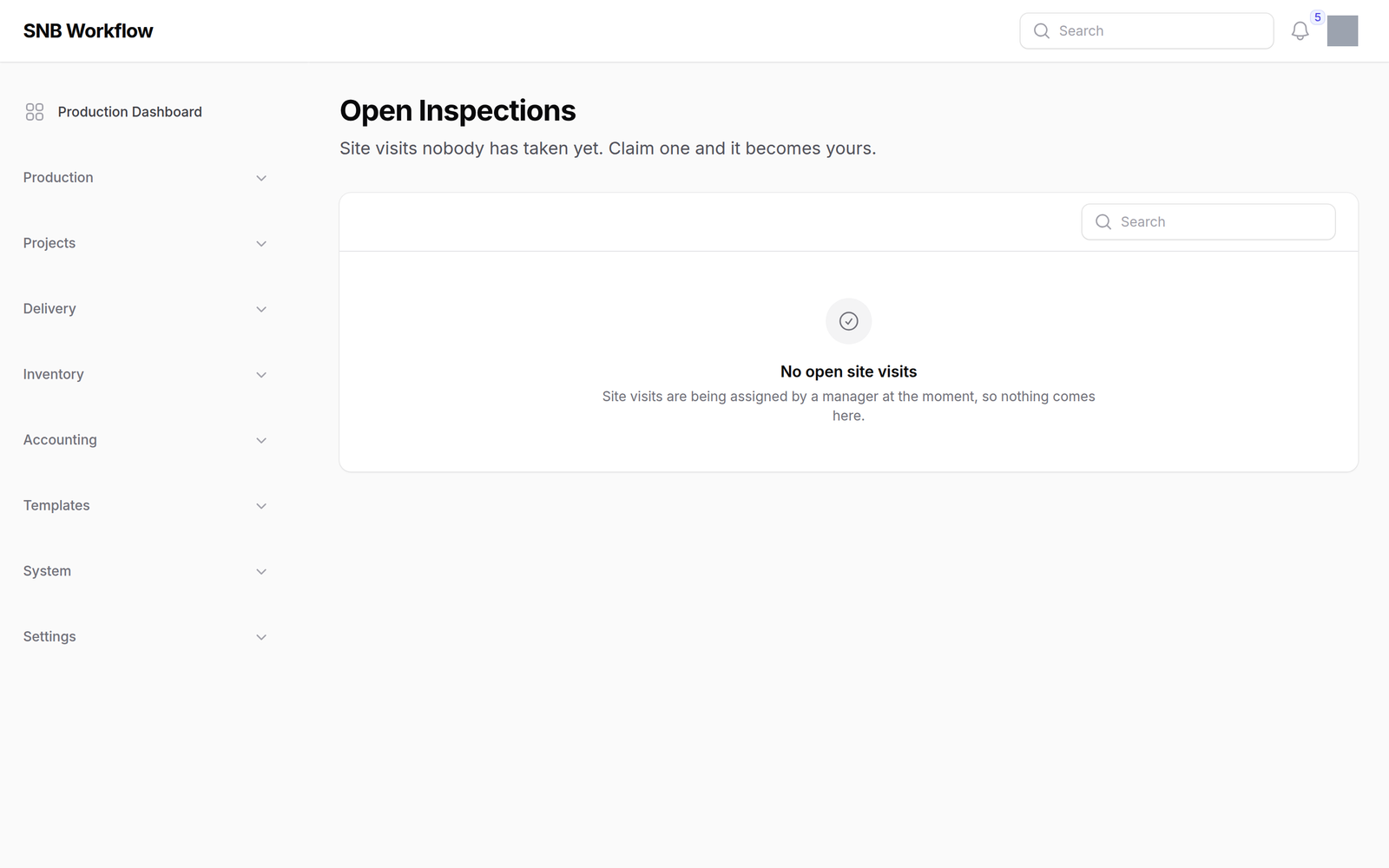
There is no table and no create button. This is a board, not a list — every card on it is work waiting for somebody to take it.
What happens next
An empty board is good news, not a broken screen.
It means every booked visit has an inspector’s name against it. A board that is filling up is the signal worth acting on — those visits have been promised to customers and nobody has picked them up.
An inspector claims a visit from their own phone. Once claimed it leaves this board and appears in their My Inspections list, with their name in the Inspector column on the office list.