SNB Production WorkflowGuideWaiting For A Person
Waiting For A Person
The four places a job stops because it needs somebody to decide something, and nothing else tells you.
Between a customer approving a design and the factory starting work, three things have to be done by hand: the project made, the task chain generated, the job order signed. None of them happens on its own, and until this page existed a job that had missed one of them appeared on no screen at all.
This page is the list of jobs in that gap. Find it under Production → Handover; the number on the menu item is how many are waiting.
Nothing on this page does anything.
Every card has exactly one control and it is a link. There is no Generate button, no Sign button, no Start button. That is deliberate, not unfinished — see the reason under the second column.
1The four columns
Read left to right; it is the order a job passes through.
| Column | What these jobs need |
|---|---|
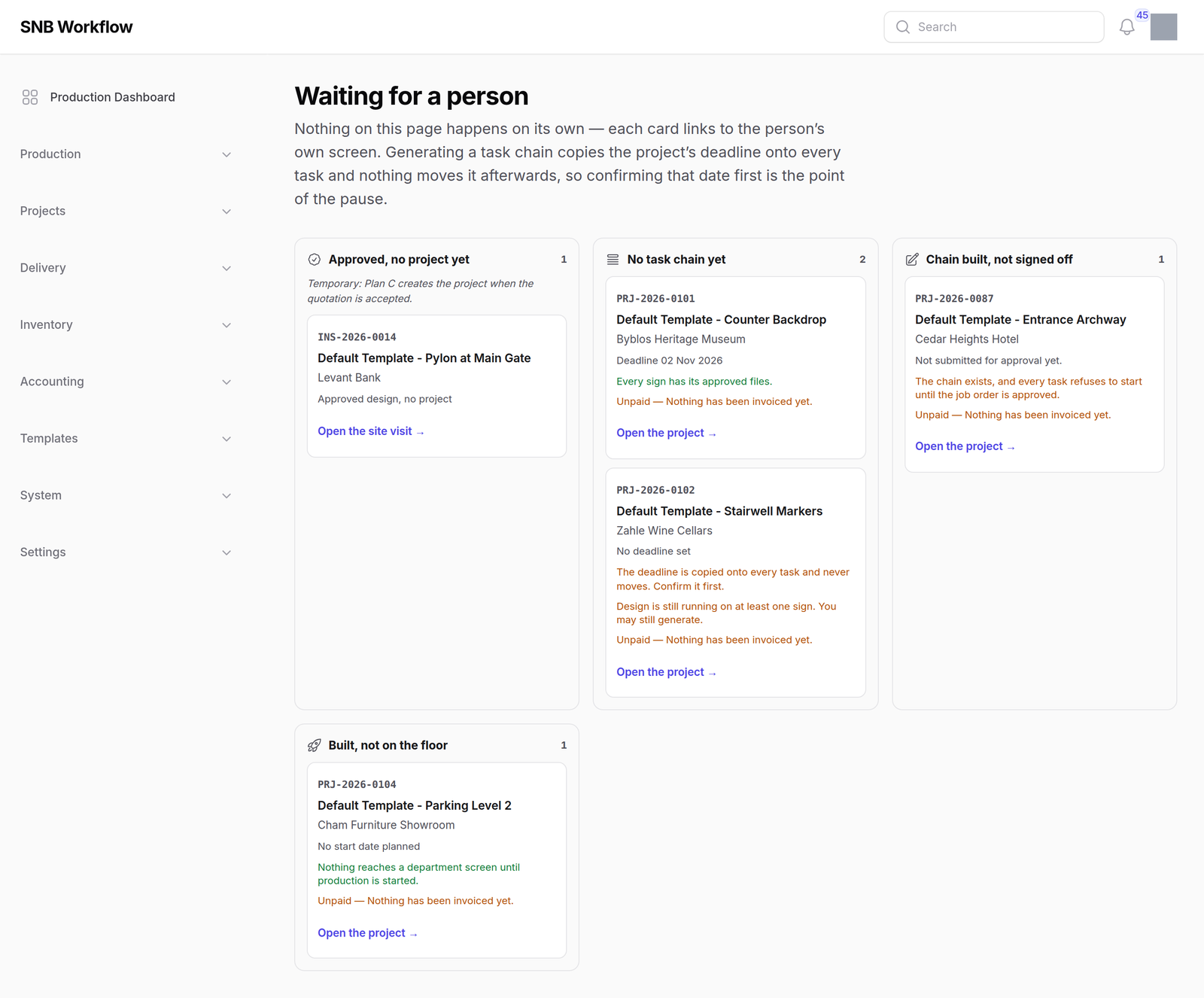
| Approved, no project yet | the customer has approved the design and nobody has turned it into a project |
| No task chain yet | the project exists and at least one sign has no steps |
| Chain built, not signed off | the steps exist and the job order is unsigned, so every one of them refuses to start |
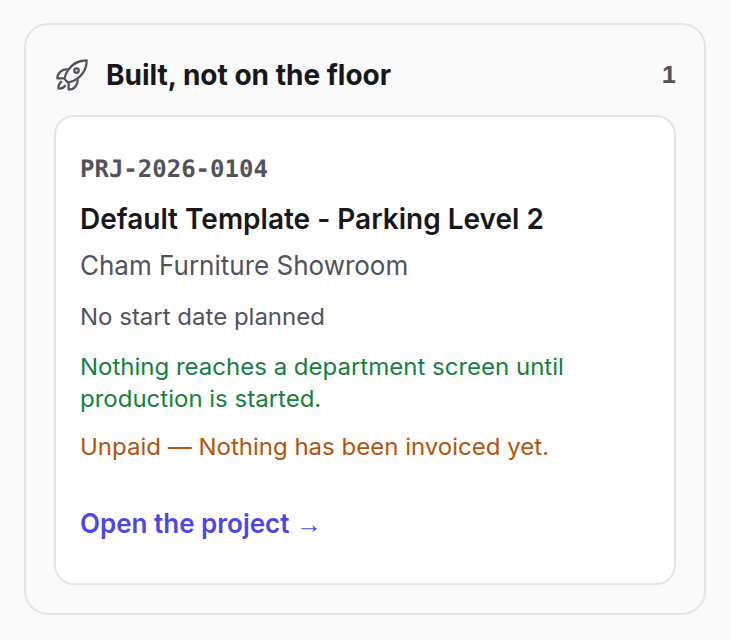
| Built, not on the floor | signed and ready, and nobody has pressed Start |
At this screen width the fourth column wraps onto a second row. It is still the last one.
The first column is temporary and says so.
It exists because a project is currently created by hand from a site visit. When accepting a quotation starts creating the project, this column will describe nothing and will go. The note under its heading is in the software, not in this manual.
2What a card tells you
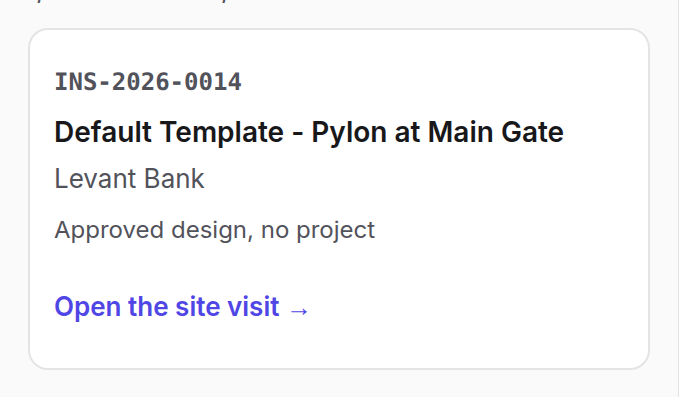
Reference, title, customer, then one line of the thing that matters for that column — a deadline, a planned start, or which approval level it is sitting at. Then the facts, in green or amber, and the link.
Why there is no Generate button here.
Generating the task chain copies the project’s deadline onto every single step, and nothing ever moves it again. That date usually started life as an estimate somebody made on site.
A button on this page would let a manager commit that guess to thirteen steps without ever seeing it. So the card shows the deadline, and the link takes you to the job — where you can look at the date, change it, and only then generate. The pause is the feature.
Money is reported here and gates nothing. A card will tell you a job is unpaid. Nothing refuses to build it. The person standing here confirming a date is exactly the person who should know where the money stands, and exactly the person who chases it — so they are told, and then they decide.
The same is true of design: “Design is still running on at least one sign. You may still generate.“ Design is a sub-flow, not a stage, and a job reaching this queue with design still running is normal. A third answer exists — the card can simply not mention design, which means the system could not tell, and that is different from “no”.
3The last column
A job here is approved and built and the floor has never seen it. Its line says either when production is planned to start, or that nothing is planned.
A planned start is a plan, not a trigger.
If the planned date has passed, the card says so. Nothing starts on its own; somebody has to release it. See Handing a job to the factory.
What happens next
Follow the link. Every decision is taken on the job’s own page:
- No task chain yet → check the deadline, then Generate Tasks.
- Chain built, not signed off → submit and sign the job order, on the project’s own page.
- Built, not on the floor → start production — Handing a job to the factory.
A job leaves a column the moment the thing it was waiting for is done. If it lands in the next column, it was waiting for two things.
If it goes wrong
A job you expected is not in any column. A project with no signs is not waiting for a task chain — it cannot have one, because there is nothing to make. It will never appear here. Signs reach a project through the request it was won from.
“No task chain yet” shows a job that already has tasks. The question asked is whether every sign has its steps, not whether the project has any. A second sign added after the first was generated puts the job back in this column, correctly.
A job sits in “Chain built, not signed off” and nobody can sign it. The level it is waiting at names a role that nobody currently holds. The project’s own approval panel lists those levels. An administrator has to give somebody that role, or change the chain.
The page says nothing is waiting. Then nothing is. Jobs appear here the moment a customer approves a design.