SNB Production WorkflowGuideFinishing a job
Finishing a job
Finishing is two screens now, not one. The second asks what was wasted, and it is not optional.
The job must be one you are working on — it is in the In Progress column.
1Press COMPLETE
On the card, press COMPLETE.
Type your PIN if it asks.
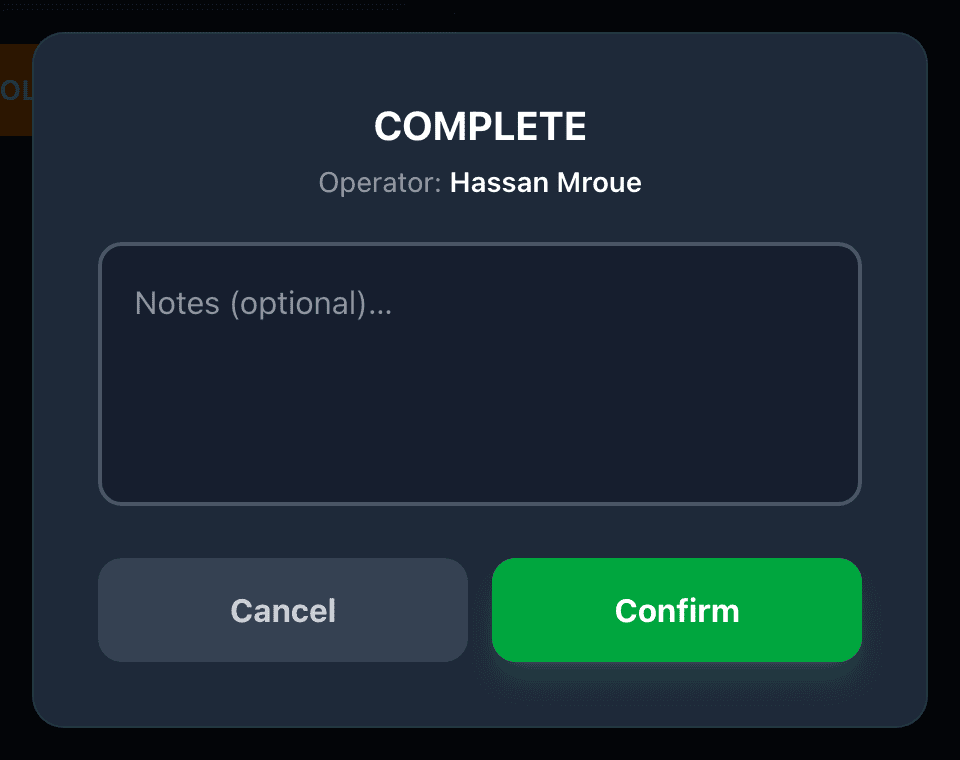
2Add a note, or do not
A box opens showing Notes (optional)…
You can type something about the job, or leave it empty. Either is fine — unlike HOLD, this one does not need a reason.
Press Confirm.
3The job is not finished yet
A second screen opens, headed Waste on this job.
This is part of finishing, not an extra. The job is still in progress until you answer it.

4Say what was wasted
Two ways out of this screen, and both of them finish the job:
- Nothing was wasted — press NO WASTE. The job is finished on that press, and a message confirms it was recorded.
- Something was wasted — pick the type, type how much, press Add entry, then press Done.
NO WASTE is an answer, not a way of skipping.
Press it when nothing was scrapped. That is a real and useful thing to record.
Do not press it to get past the screen when something was wasted. The factory needs to tell the difference between a job that wasted nothing and a job where nobody said — and only your tap can tell them apart.
The waste figures are how the factory finds out that one job, or one machine, or one material, keeps costing more than it should.
That only works if the numbers are honest. If people tap NO WASTE on everything because it is the fastest button, the numbers say the factory wastes nothing, and nobody ever looks at the job that is quietly eating material.
Nobody is in trouble for recording waste. Waste happens. Not recording it is the problem.
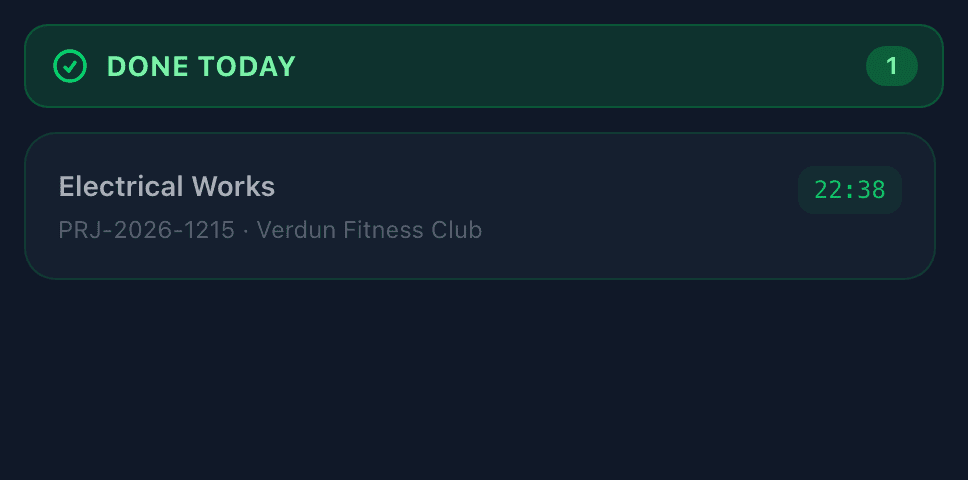
5The job moves to Done Today
The card moves to the Done Today column and a short message confirms it.
What happens next
The next department picks the job up when it reaches them. You do not need to tell anybody.
If it goes wrong
| What you see | What it means |
|---|---|
| The waste screen says no types have been set up | Your supervisor has not filled in the list yet. Press NO WASTE to finish the job, and tell them. |
| You pressed Cancel on the waste screen | The job goes back to In Progress. Nothing is lost and nothing was recorded. Press COMPLETE again when ready. |
| It did not ask about waste at all | You already recorded waste on this job while working on it. You are only asked once. |
| The job did not move to Done Today | You may not have finished the waste screen. Look for it — it fills the screen and has to be answered. |